A wide technical illustration shows an online order event traveling toward a receiving server, with the delivery path interrupted by a network barrier and diagnostic checkpoints nearby.

WooCommerce Webhooks Not Working? 10 Things to Check

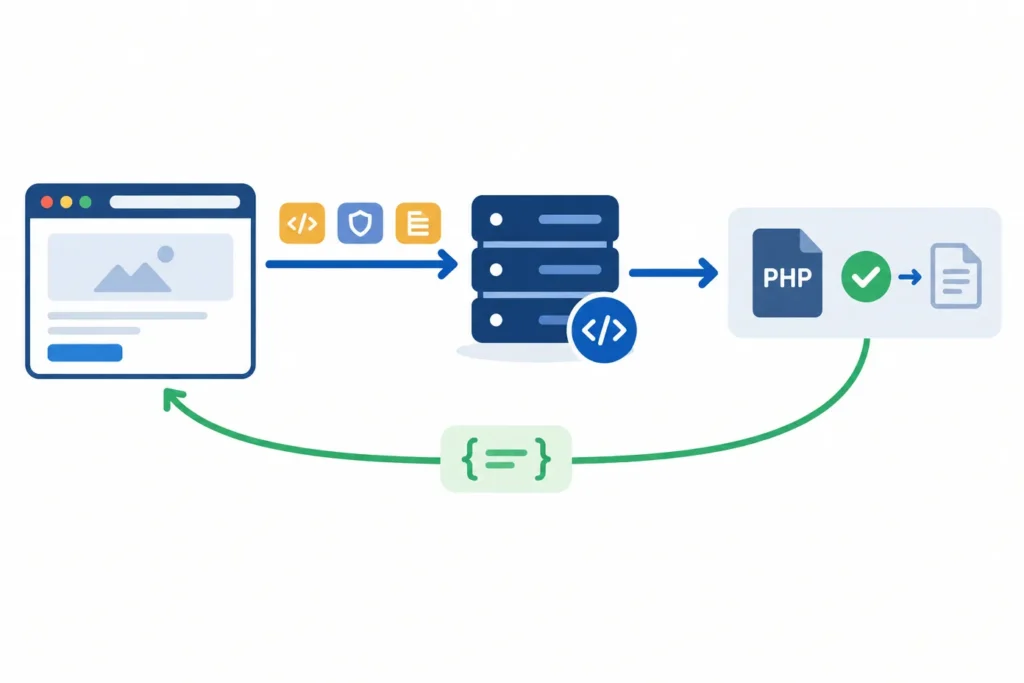
When WooCommerce webhooks are not working, start by finding the stage that failed: the event did not trigger, WooCommerce did not create a delivery attempt, the request could not reach the endpoint, or the receiving application rejected it. That sequence prevents a common mistake: changing webhook settings when the actual problem is an unavailable receiver, failed signature check, or firewall rule.

WooCommerce on Autopilot: Actionable Workflow Automation Examples

WooCommerce on Autopilot: Actionable Workflow Automation Examples

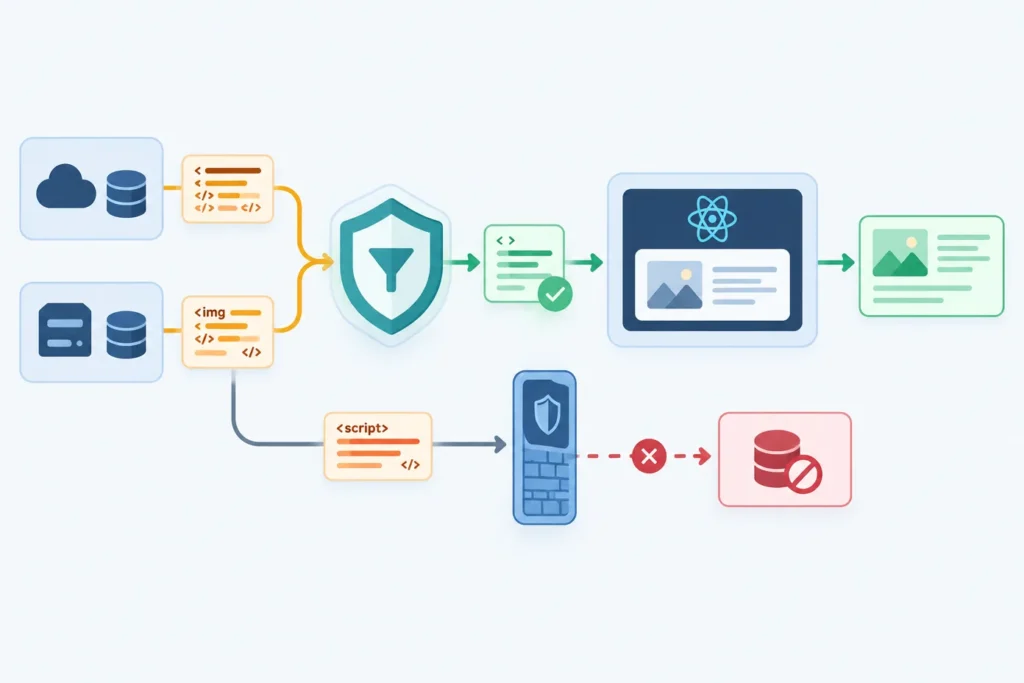
WooCommerce automation means using rules, triggers, emails, webhooks, and integrations to handle repetitive store tasks without waiting for someone to do them manually. A good workflow might recover an abandoned cart, notify your team about a high-value order, send a review request after delivery, or create a support task when a refund comes in.

Order Fulfillment Automation for E-Commerce

Order Fulfillment Automation for E-Commerce: A Complete Guide

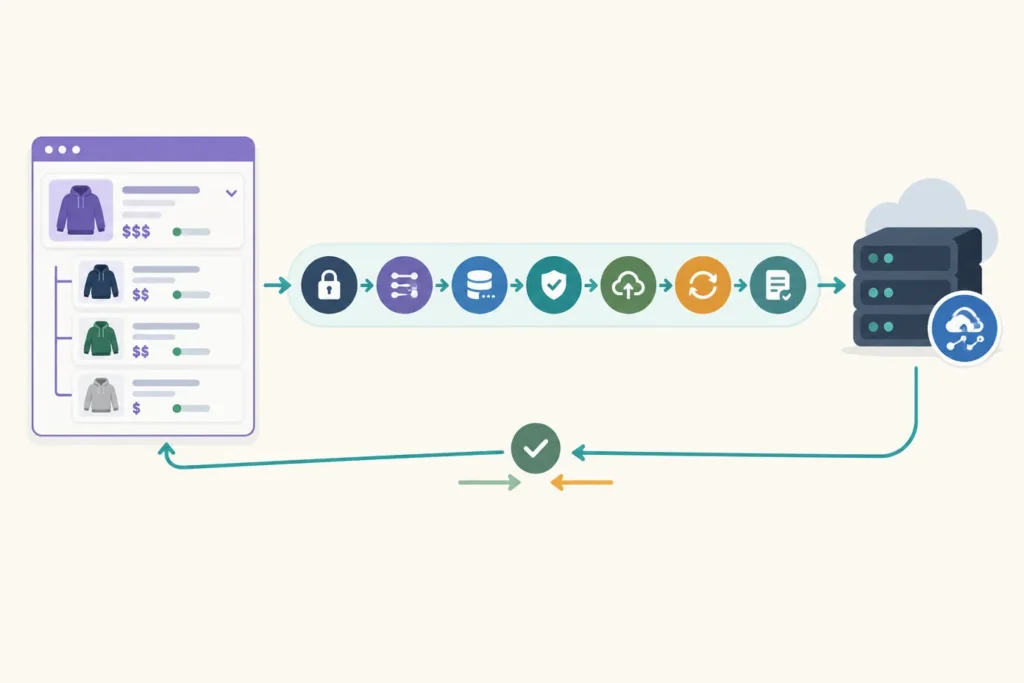
Order fulfillment automation for e-commerce is the use of software, rules, integrations, and connected systems to move orders from purchase to delivery with less manual work. Instead of copying order details into spreadsheets, creating shipping labels by hand, checking stock manually, and emailing customers one by one, automation handles the repeatable steps and flags the exceptions that need human judgment.

WooCommerce Webhooks in 2026: Modern Automation Patterns

WooCommerce Webhooks in 2026: Modern Automation Patterns

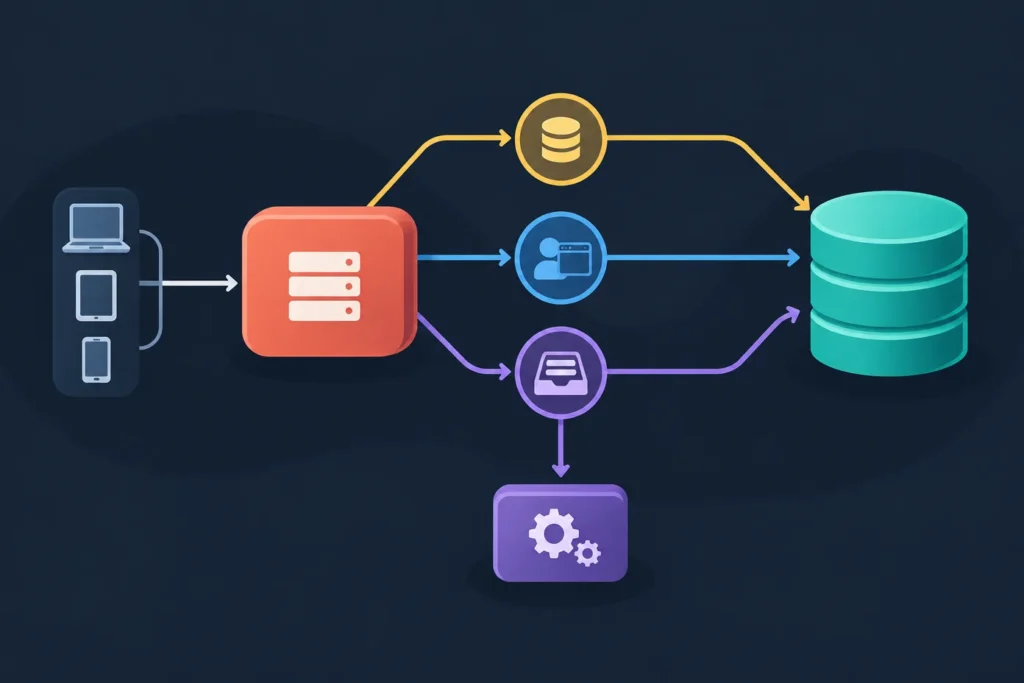
WooCommerce webhooks let your store notify another system when something important happens, such as an order being created, a product being updated, a coupon changing, or a customer record being modified. In 2026, the best way to use WooCommerce webhooks is not to bolt a store directly to a dozen external tools. It is to treat each webhook as an event signal, verify it, store it, process it through a queue, and then let purpose-built workflows handle fulfillment, CRM updates, inventory, analytics, or customer messaging.