Home / Automation

Automation

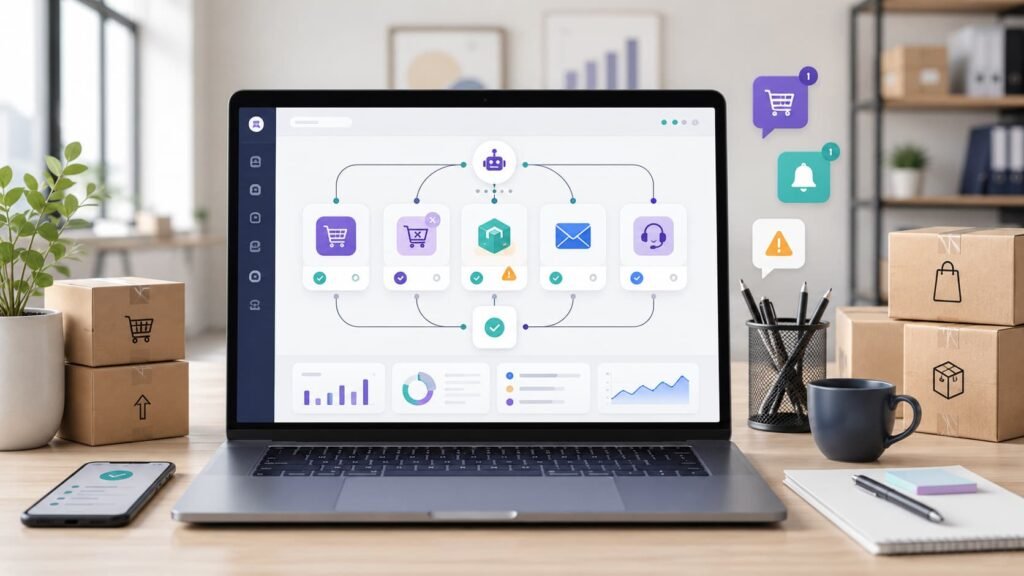
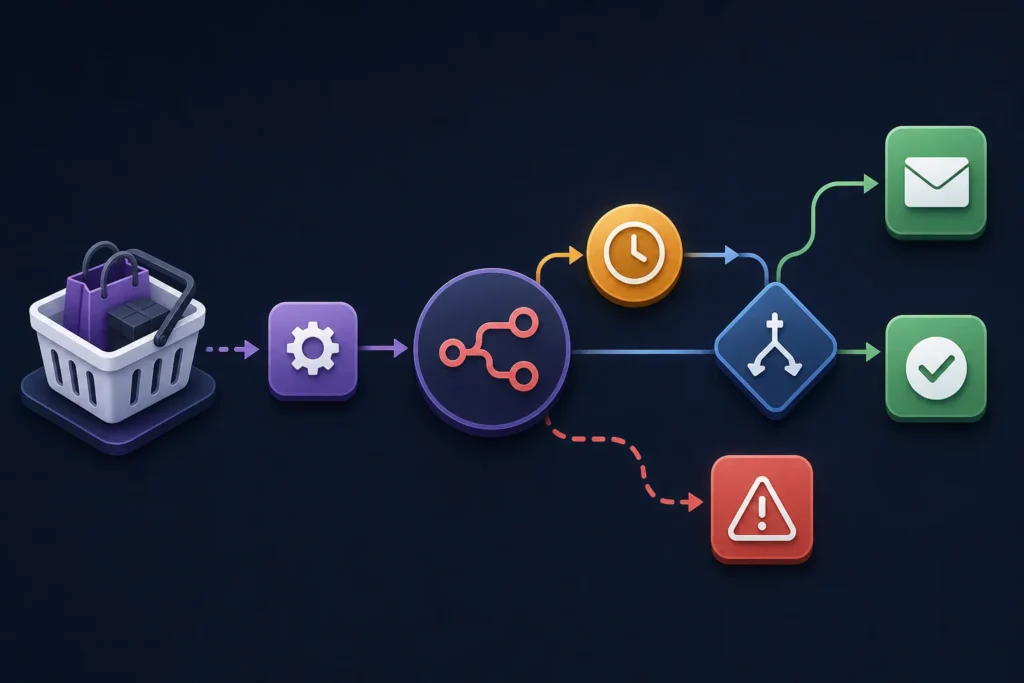
Wide workflow illustration showing an online shopping cart flowing into an automation process, waiting and order-status checks, then branching to a follow-up email, completed-order outcome, or error alert.

How to Automate WooCommerce Abandoned Cart Follow-Ups with n8n

You can automate WooCommerce abandoned-cart follow-ups with n8n by sending cart activity into a workflow, waiting for a defined period, checking whether checkout became an order, and sending a permitted reminder only when it did not. The important reliability controls are a stable cart identifier, an order-status recheck immediately before each message, suppression rules, and a stored sent status.

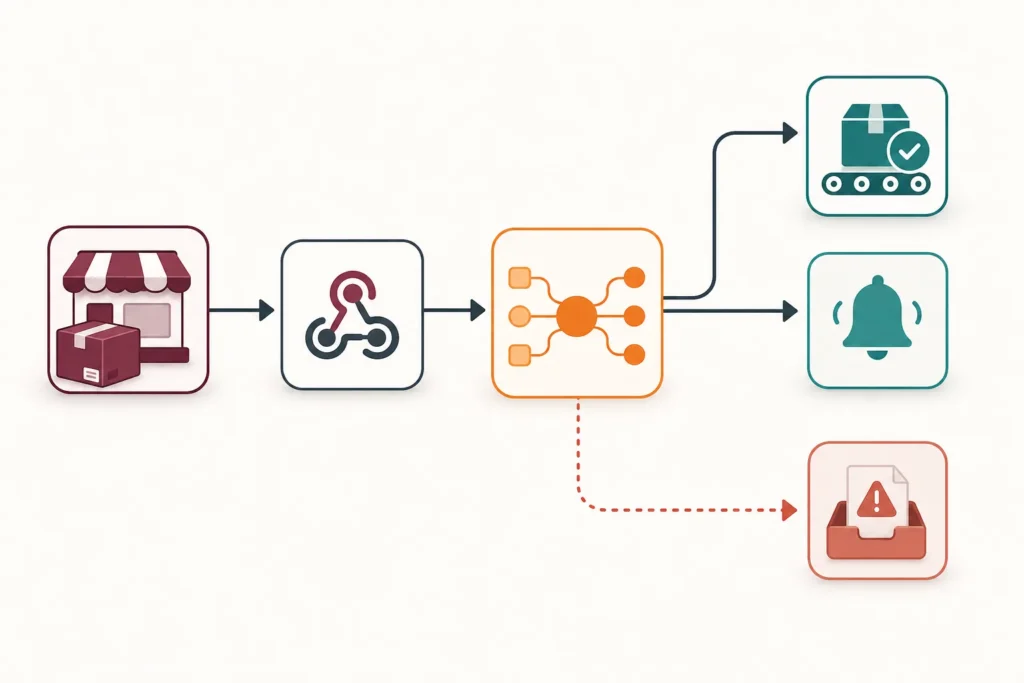
Wide workflow diagram showing a WooCommerce order event entering an automation process, being normalized, branching to fulfillment and notification actions, and following a separate error path.

Automate WooCommerce Orders with n8n: Build a Complete Workflow

A complete WooCommerce order workflow in n8n should do more than react to a webhook. It should confirm the order, turn inconsistent store data into a predictable structure, decide whether the order is actionable, run only the required downstream actions, and leave a useful trail when something fails.

Advertisement
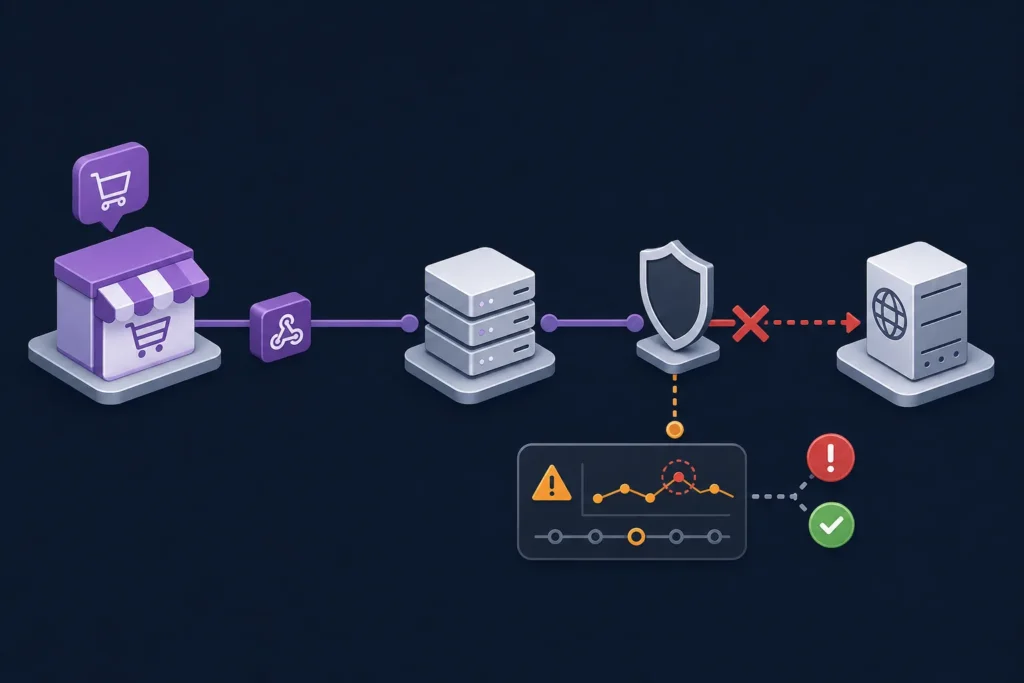
A wide technical illustration shows an online order event traveling toward a receiving server, with the delivery path interrupted by a network barrier and diagnostic checkpoints nearby.

WooCommerce Webhooks Not Working? 10 Things to Check

When WooCommerce webhooks are not working, start by finding the stage that failed: the event did not trigger, WooCommerce did not create a delivery attempt, the request could not reach the endpoint, or the receiving application rejected it. That sequence prevents a common mistake: changing webhook settings when the actual problem is an unavailable receiver, failed signature check, or firewall rule.

WooCommerce on Autopilot: Actionable Workflow Automation Examples

WooCommerce on Autopilot: Actionable Workflow Automation Examples

WooCommerce automation means using rules, triggers, emails, webhooks, and integrations to handle repetitive store tasks without waiting for someone to do them manually. A good workflow might recover an abandoned cart, notify your team about a high-value order, send a review request after delivery, or create a support task when a refund comes in.

Advertisement
Order Fulfillment Automation for E-Commerce

Order Fulfillment Automation for E-Commerce: A Complete Guide

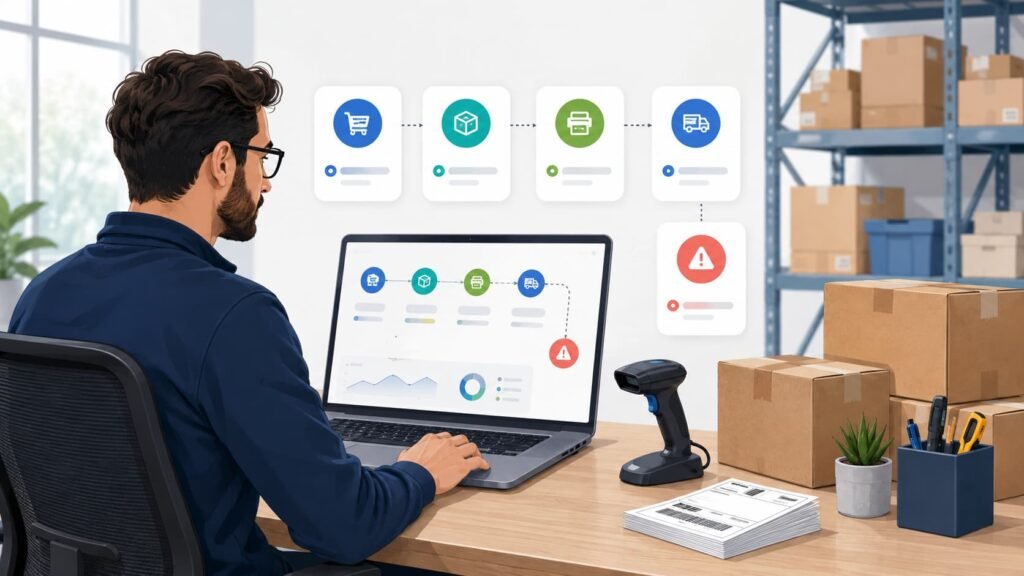
Order fulfillment automation for e-commerce is the use of software, rules, integrations, and connected systems to move orders from purchase to delivery with less manual work. Instead of copying order details into spreadsheets, creating shipping labels by hand, checking stock manually, and emailing customers one by one, automation handles the repeatable steps and flags the exceptions that need human judgment.